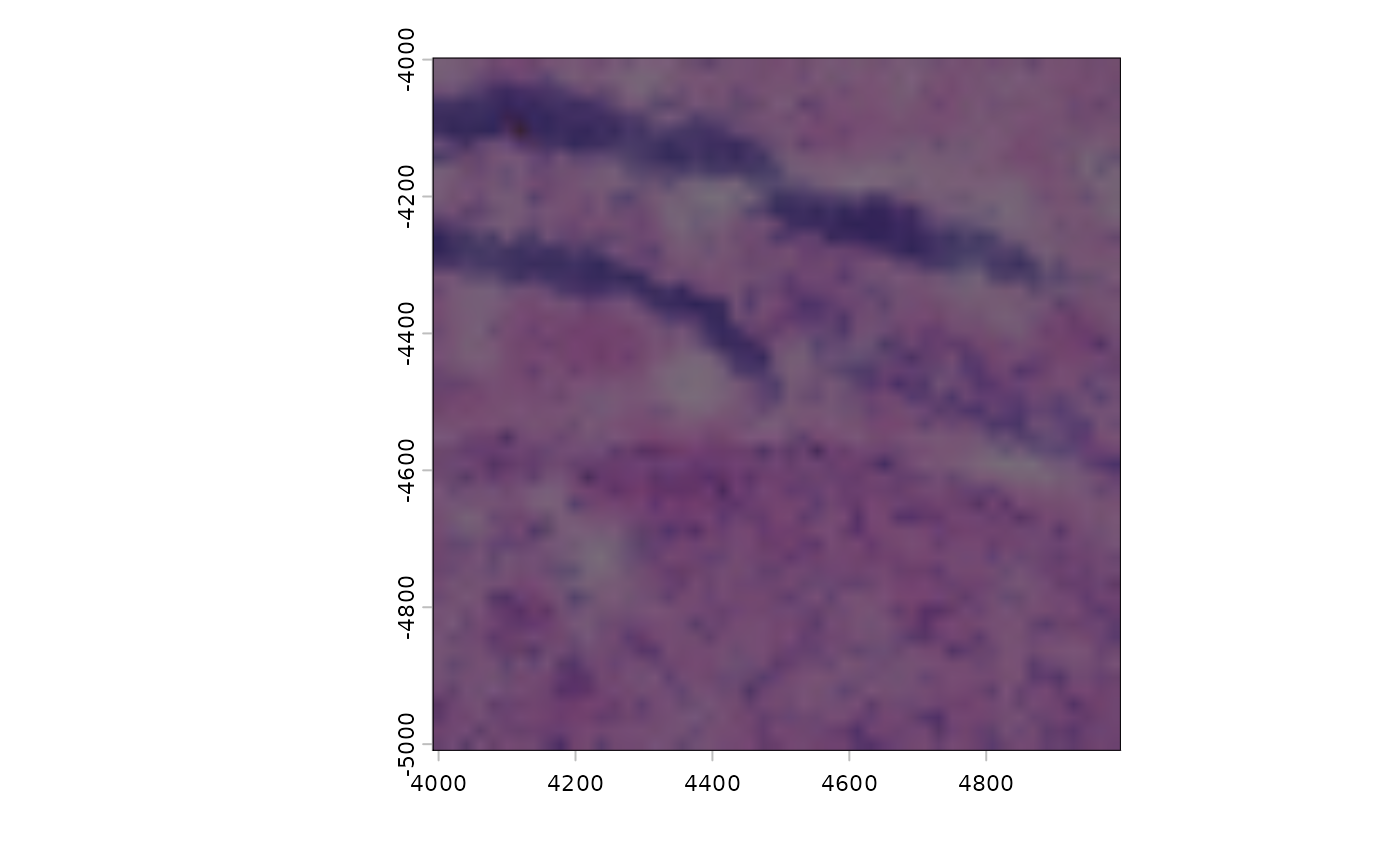
Crop a giottoLargeImage based on crop_extent argument or given values
Usage
cropGiottoLargeImage(
  gobject = NULL,
  largeImage_name = NULL,
  giottoLargeImage = NULL,
  crop_name = "image",
  crop_extent = NULL,
  xmax_crop = NULL,
  xmin_crop = NULL,
  ymax_crop = NULL,
  ymin_crop = NULL
)
Arguments
- gobject
gobject holding the giottoLargeImage
- largeImage_name
name of giottoLargeImage within gobject
- giottoLargeImage
alternative input param using giottoLargeImage object instead of through
gobjectandlargeImage_nameparams- crop_name
arbitrary name for cropped giottoLargeImage
- crop_extent
terra extent object used to crop the giottoLargeImage
- xmax_crop, xmin_crop, ymax_crop, ymin_crop
crop min/max x and y bounds
Examples
g <- GiottoData::loadGiottoMini("visium")
#> 1. read Giotto object
#> 2. read Giotto feature information
#> 3. read Giotto spatial information
#> 4. read Giotto image information
#> python already initialized in this session
#>  active environment : '/usr/bin/python3'
#>  python version : 3.12

cropGiottoLargeImage(g, largeImage_name = "image",
    crop_extent = ext(c(4000, 5000, -5000, -4000))
) |> plot()