Spatially subset an object x using object y. crop() will only return a
modified object if the y extent is smaller than the original in x.
For object type specifics, see below.
giottoLargeImage and giottoAffineImage
When write = FALSE and a filename is not specified, terra::window()
will instead be used to create a lazy subset of the image. An independent
version of the cropped subset will only be created when either of the
above are provided, at which point it is handled through terra::crop().
... params are only used when materializing the subset.
giottoPoints and giottoPolygon
An alternative faster crop operation is implemented through data.table
manipulation of the geometry information and are used by default. This mode
also only allows rectangular subsetting. Additionally, giottoPolygons will
be cropped using their centroids so that the entire polygon is either present
or not instead of the default crop behavior that would keep the portion of
the polygon that does fall within the selected crop region.
Set DT = FALSE in order to use the default style of terra::crop behavior
that also allows usage of additional params through ...
Usage
# S4 method for class 'giottoBinPoints,ANY'
crop(x, y, ext = FALSE, compact = "auto", ...)

# S4 method for class 'giottoLargeImage,ANY'
crop(x, y, write = FALSE, filename = tempfile(fileext = ".tif"), ...)

# S4 method for class 'giottoAffineImage,ANY'
crop(x, y, write = FALSE, filename = tempfile(fileext = ".tif"), ...)

# S4 method for class 'spatLocsObj,ANY'
crop(x, y, ...)

# S4 method for class 'spatialNetworkObj,ANY'
crop(x, y, ...)

# S4 method for class 'giottoPoints,ANY'
crop(x, y, DT = TRUE, xmin = NULL, xmax = NULL, ymin = NULL, ymax = NULL, ...)

# S4 method for class 'giottoPolygon,ANY'
crop(x, y, DT = TRUE, xmin = NULL, xmax = NULL, ymin = NULL, ymax = NULL, ...)
Arguments
- x
object
- y
any object that has a SpatExtent or returns a SpatExtent
- ext
logical. WhenTRUE, the extent of y will be used instead of y- compact
characterorlogical(default = "auto"). Whether to compact object. See giottoBinPoints."auto"will perform a compaction when number of spatial points referenced in@countsis 1/10 of that existing in@spatial- ...
additional params to pass to terra::crop
- write
logical(default = FALSE). Whether to write and materialize the cropped subset to disk. This is overridden when a filenameis specifically provided.- filename
character(default is a .tif tempfile). This file is not actually written unless the user specifically provides a path or write = TRUE.- DT
logical. Use alternative DT subsetting for crop operation
- xmin, xmax, ymin, ymax
only used if DT = TRUE. Set extent bounds independently
Examples
g <- GiottoData::loadGiottoMini("visium")
#> 1. read Giotto object
#> 2. read Giotto feature information
#> 3. read Giotto spatial information
#> 4. read Giotto image information
#> python already initialized in this session
#> active environment : '/usr/bin/python3'
#> python version : 3.12
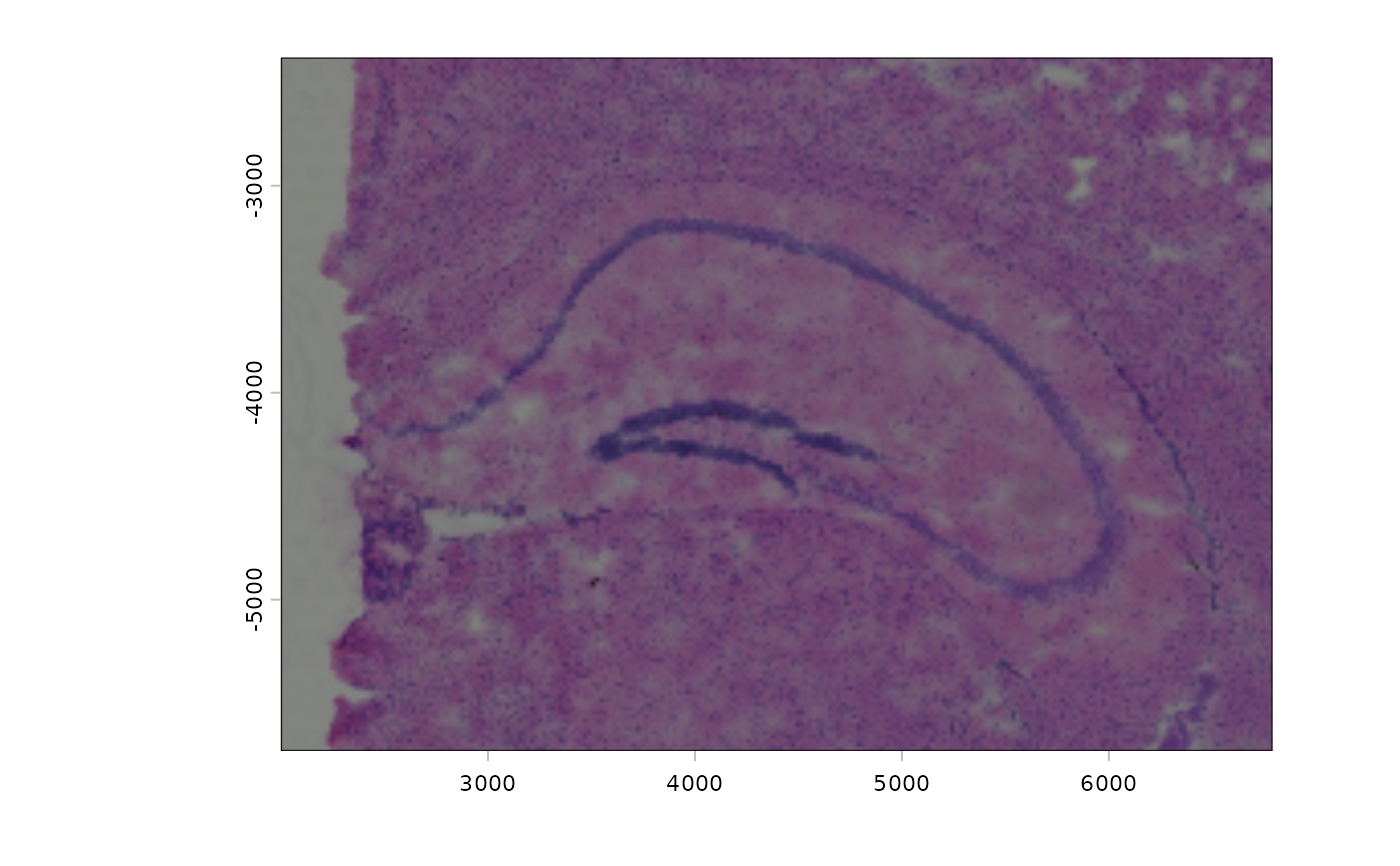
img1 <- getGiottoImage(g, name = "image")
plot(img1)
 # modify extent
e <- ext(img1)
e <- e - 1000
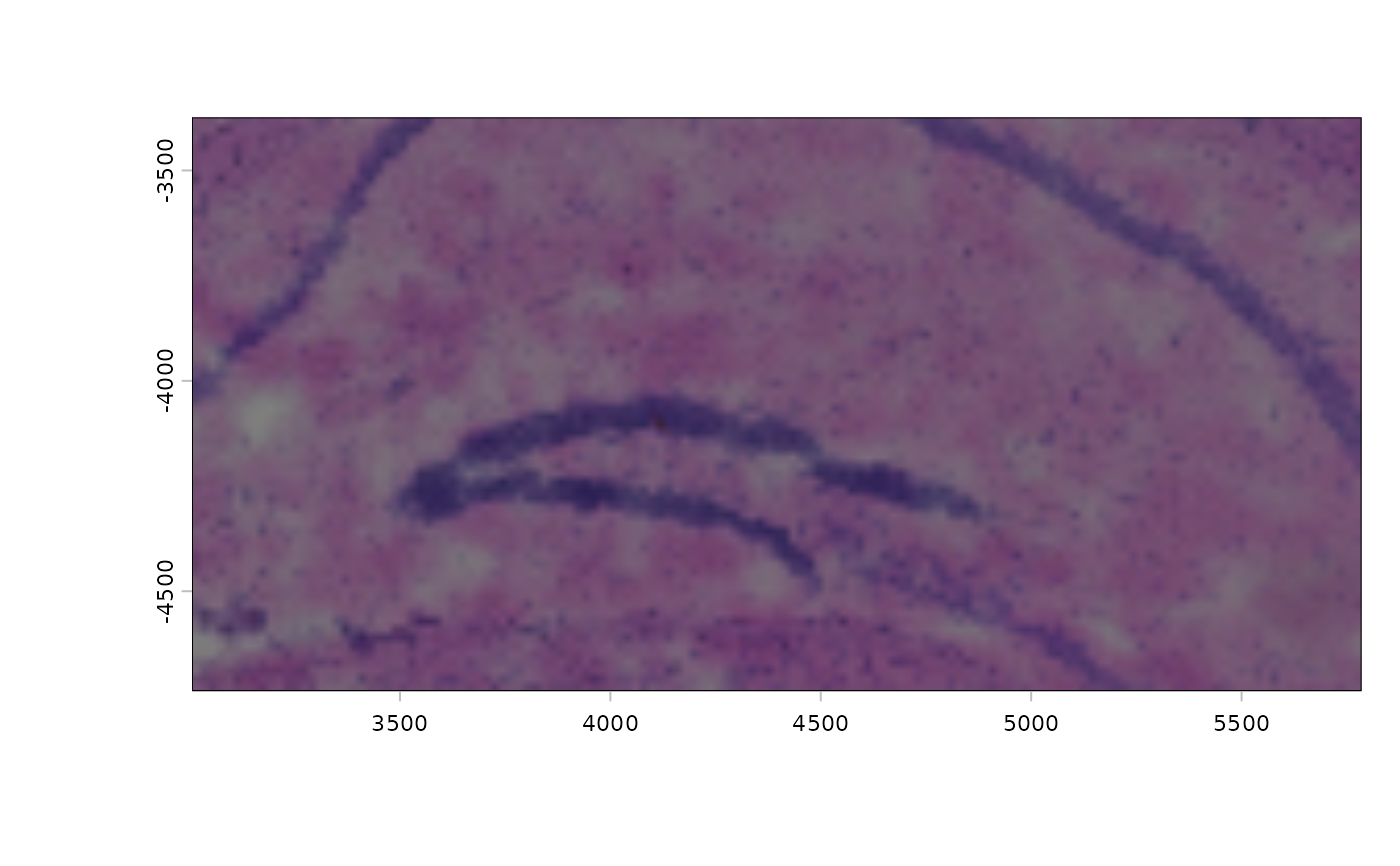
img2 <- crop(img1, e)
plot(img2)
# modify extent
e <- ext(img1)
e <- e - 1000
img2 <- crop(img1, e)
plot(img2)